













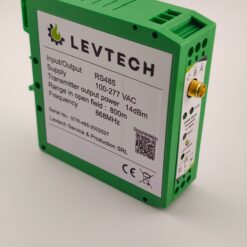
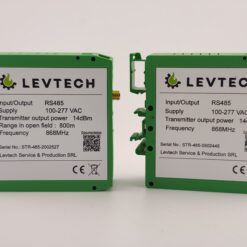
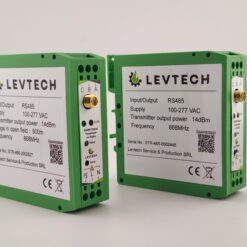
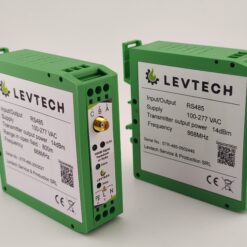
RS485 wireless signal transmitter (pair) 100/400/800 m
Price range: 200,00 € through 360,00 € excluding VAT
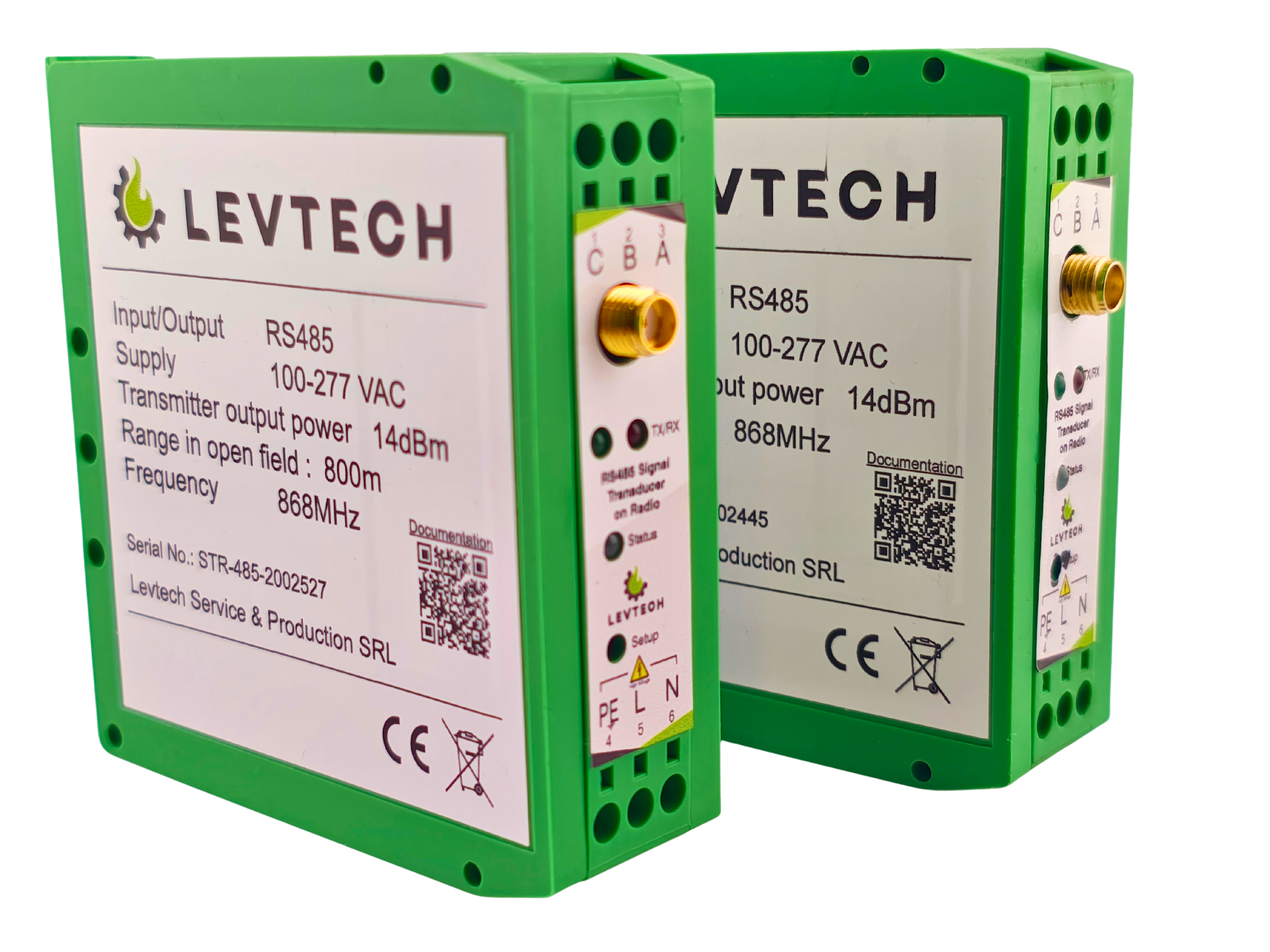
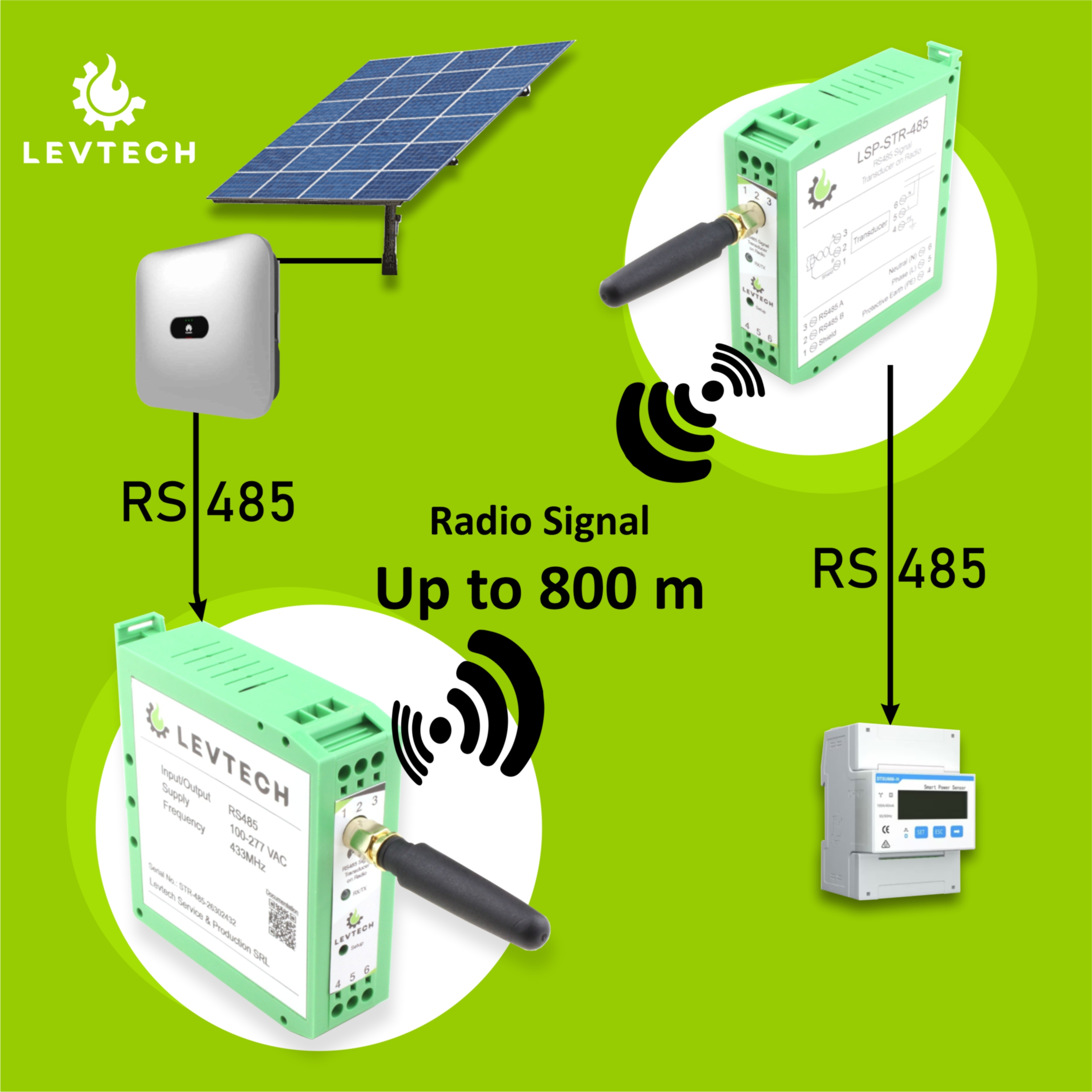
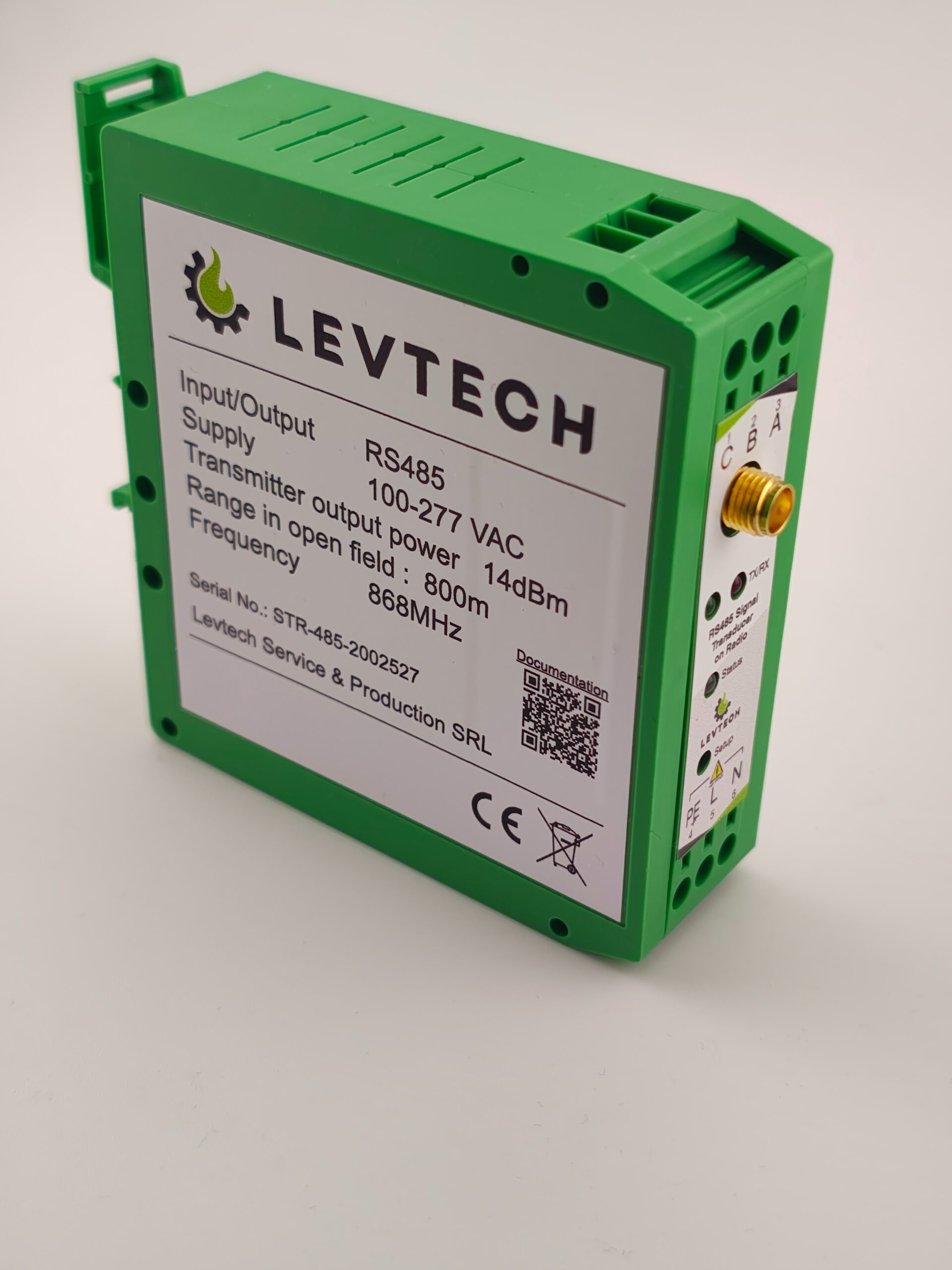
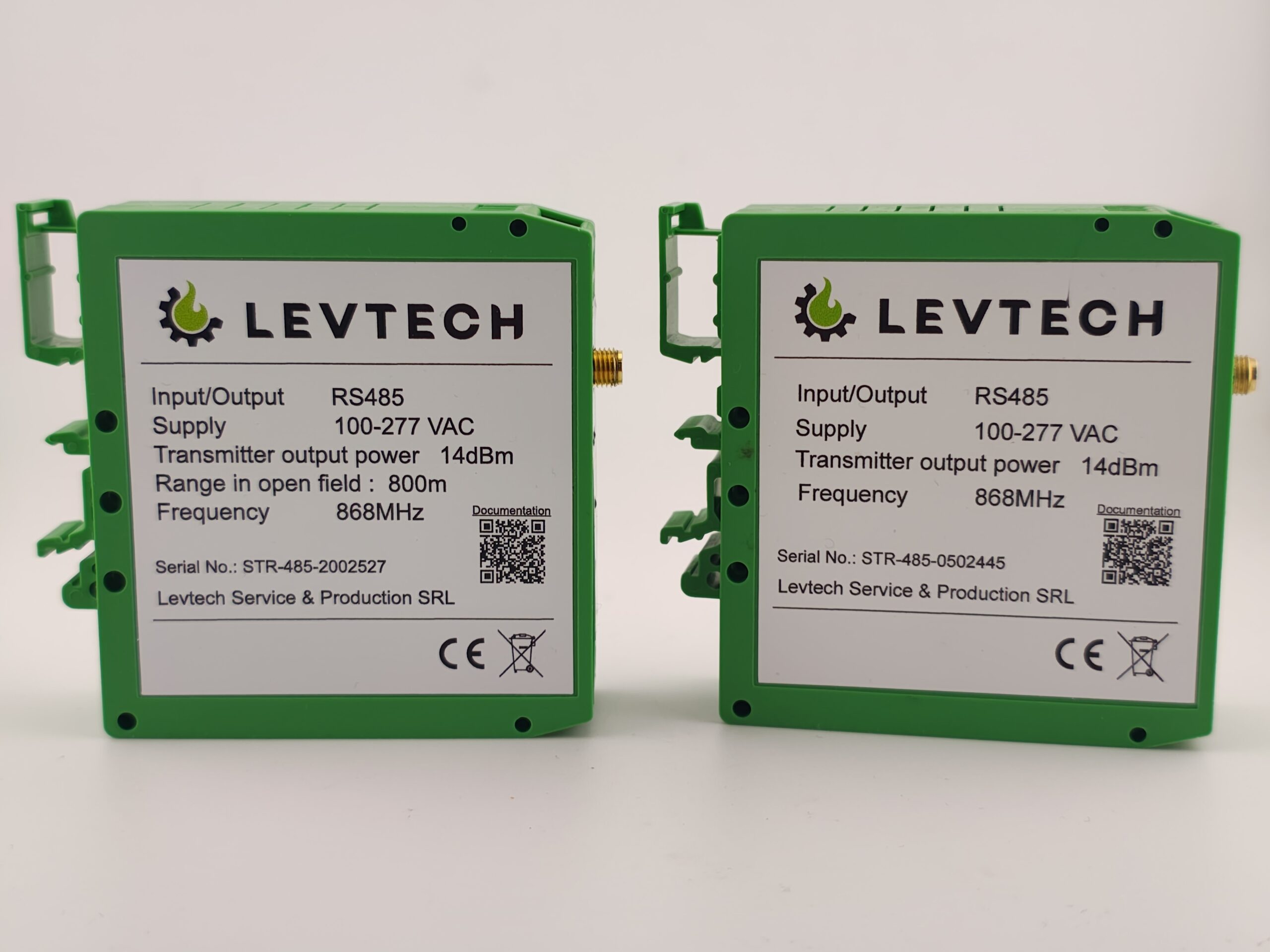
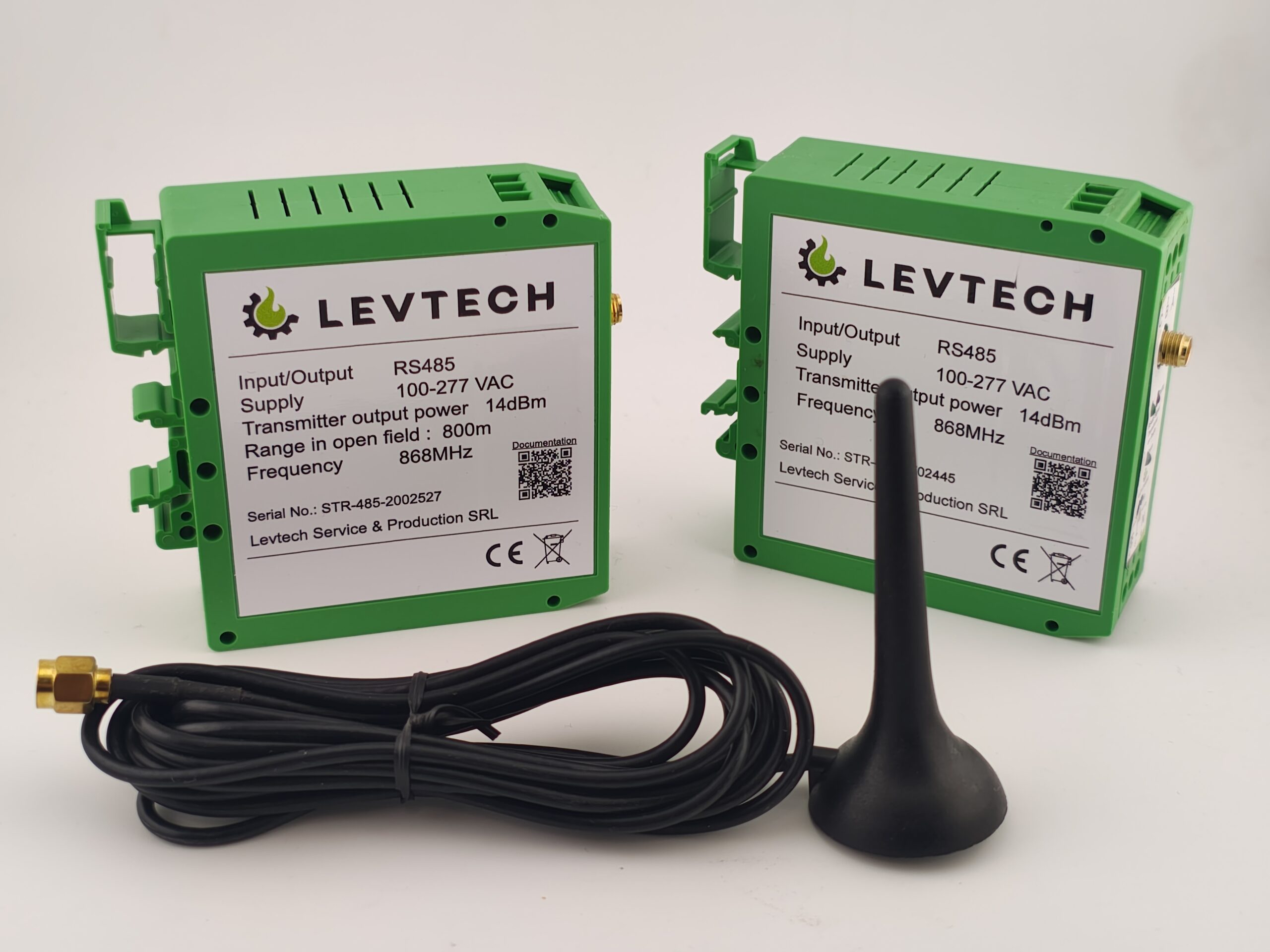
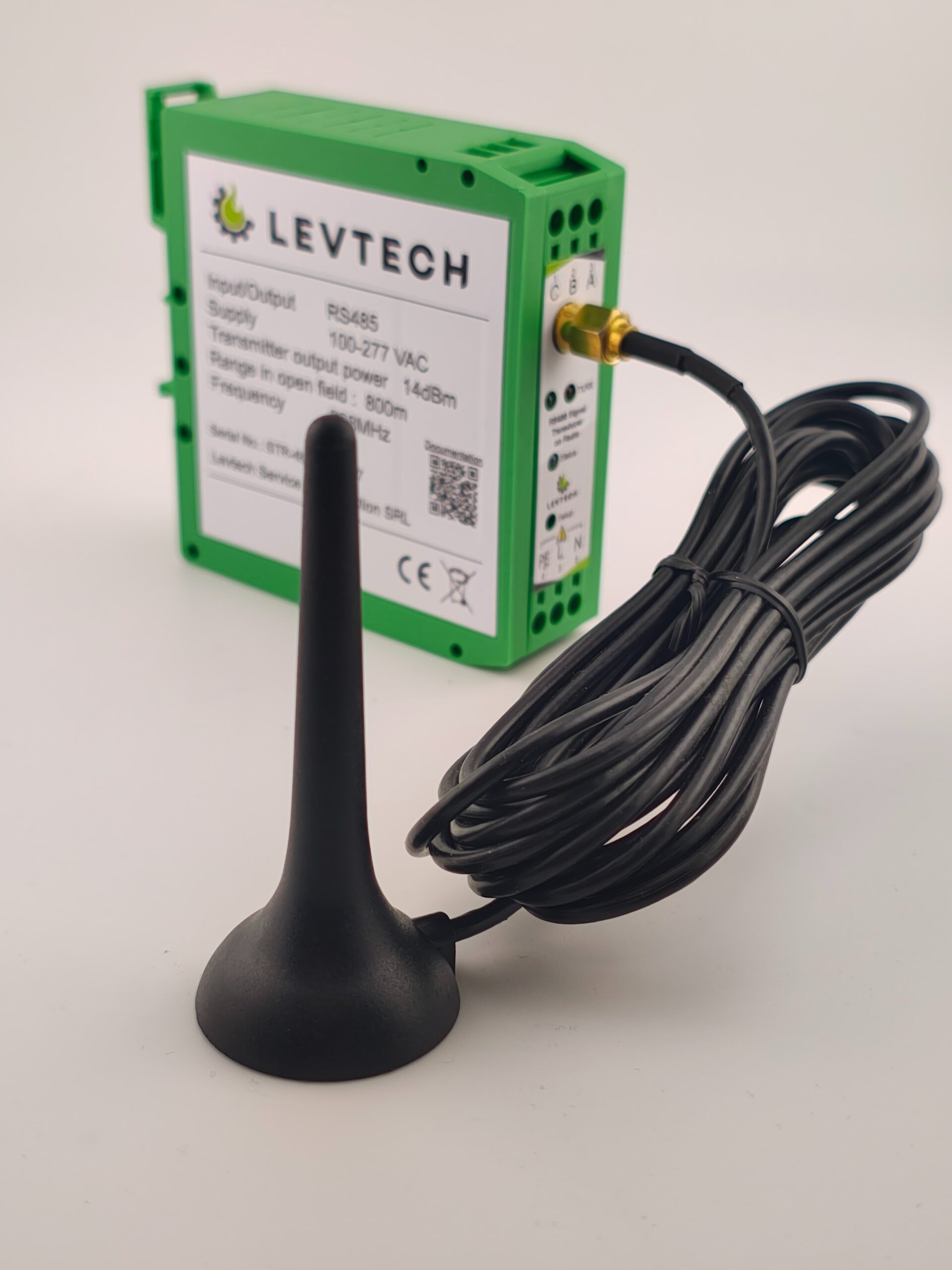
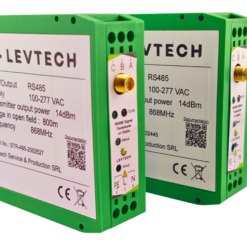
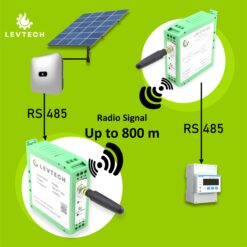
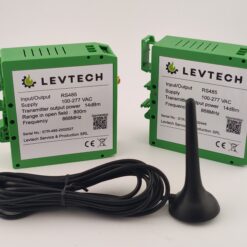
The Wireless Signal Transmitter enables real-time connectivity and seamless radio communication between the Smart Meter and the inverter, eliminating the need for traditional RS485 cabling.
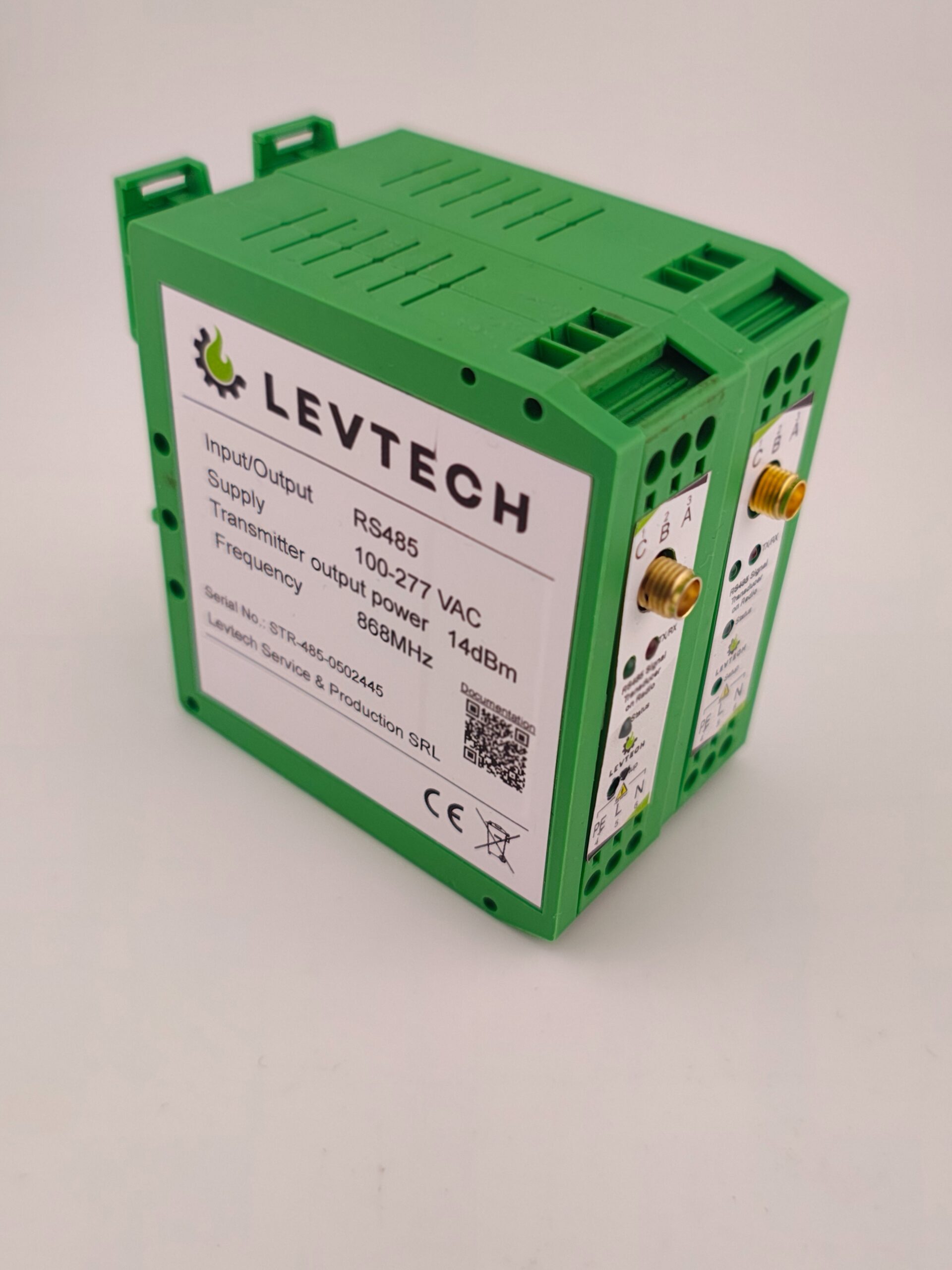
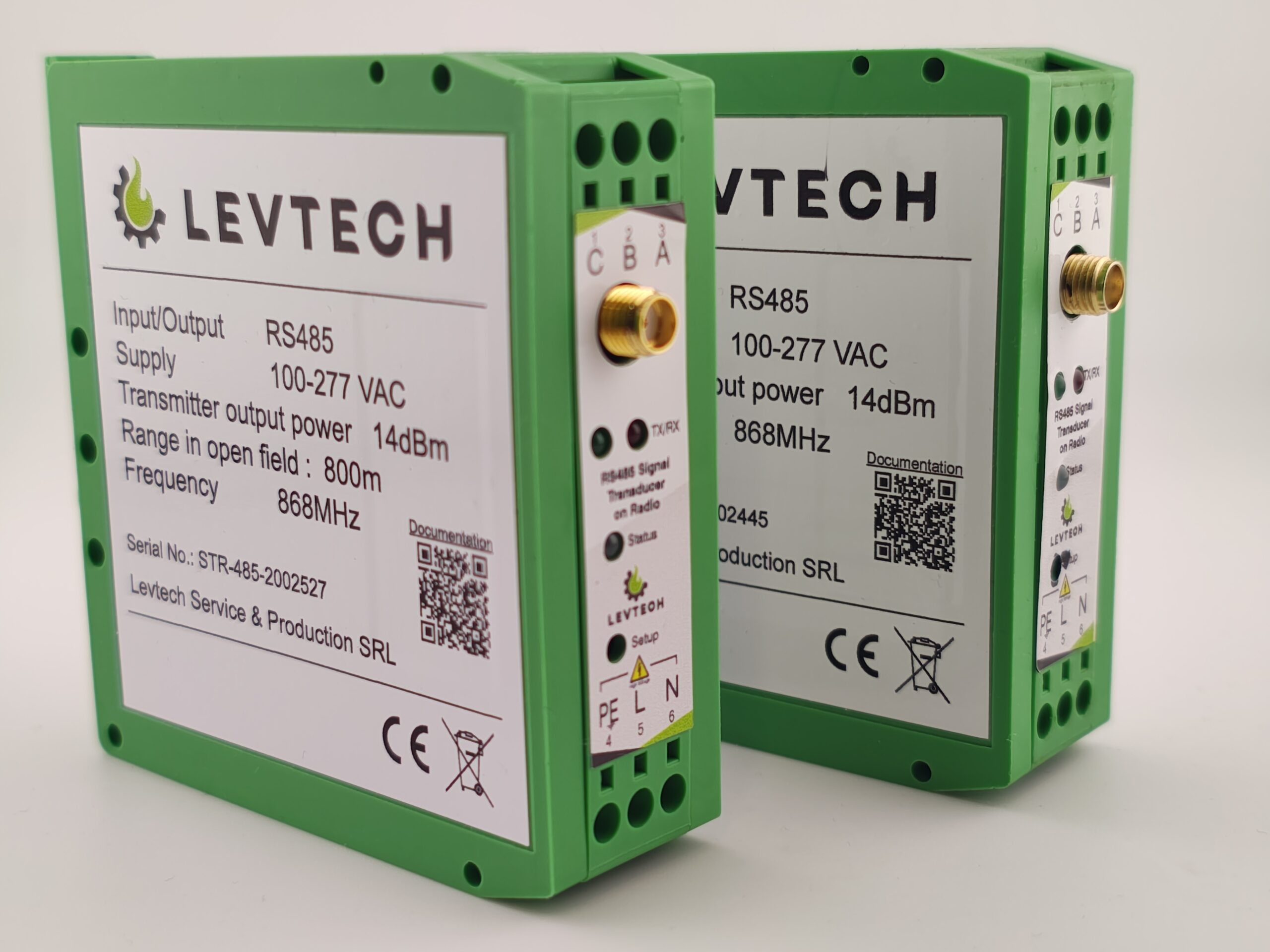
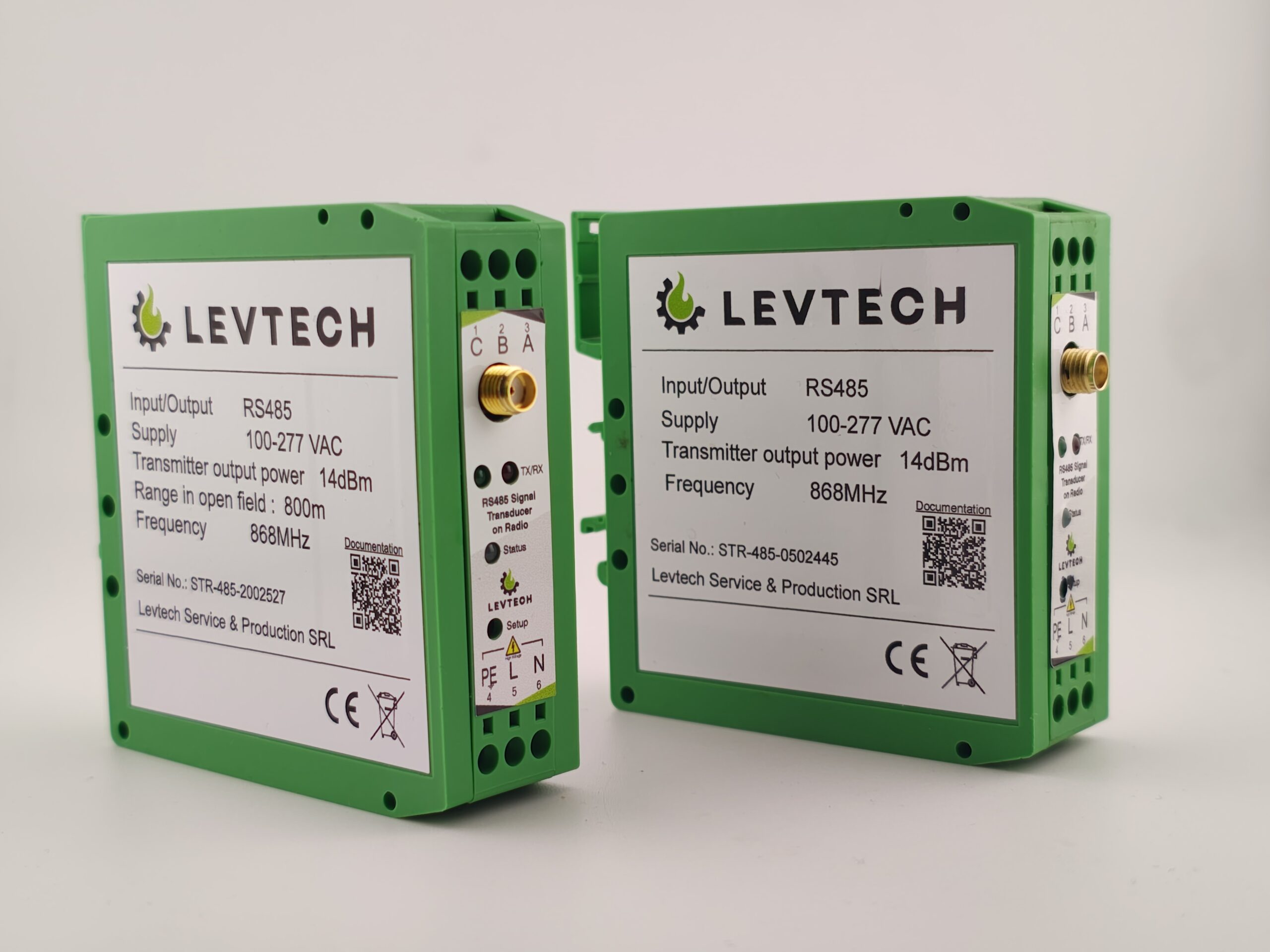
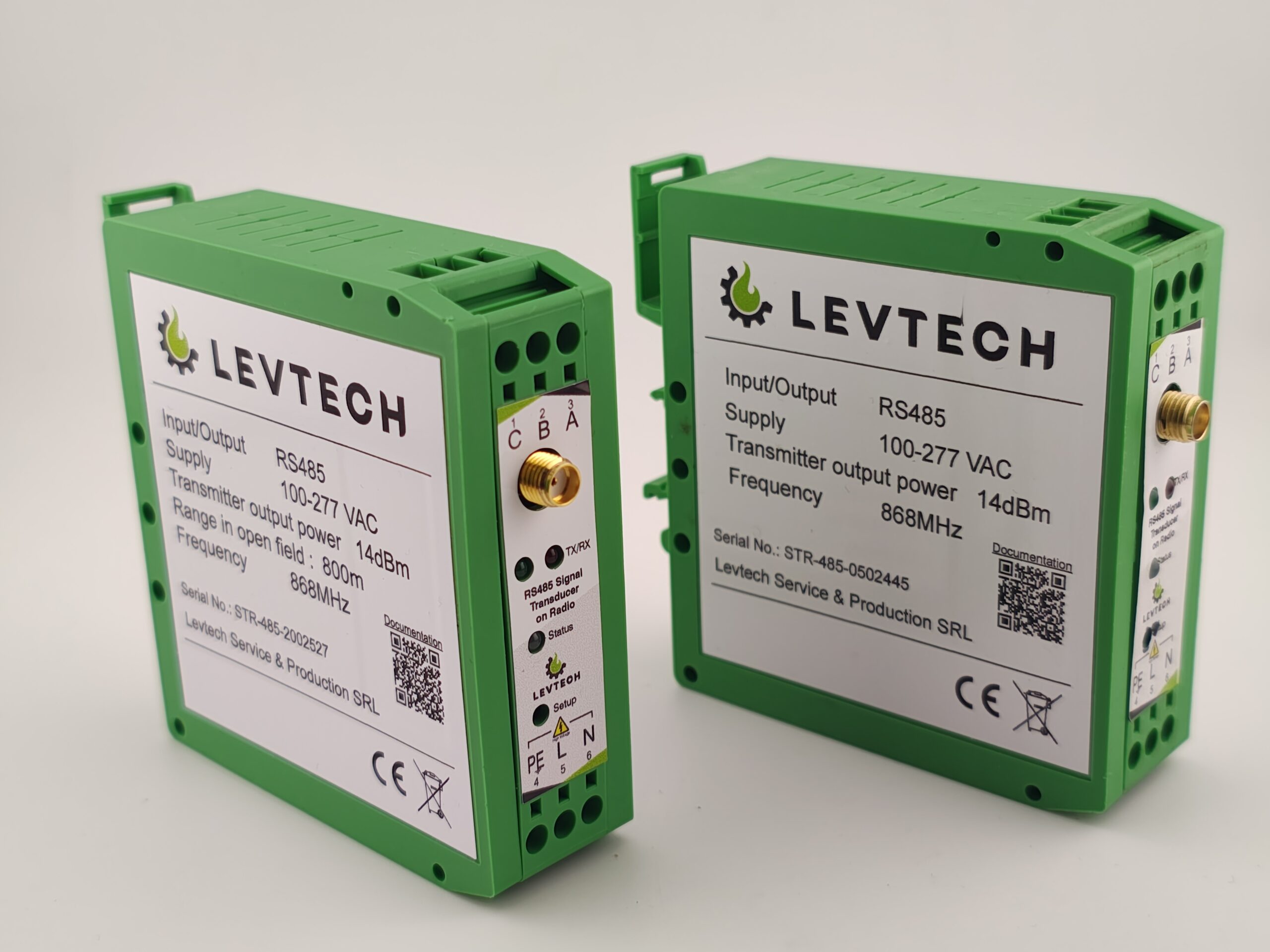
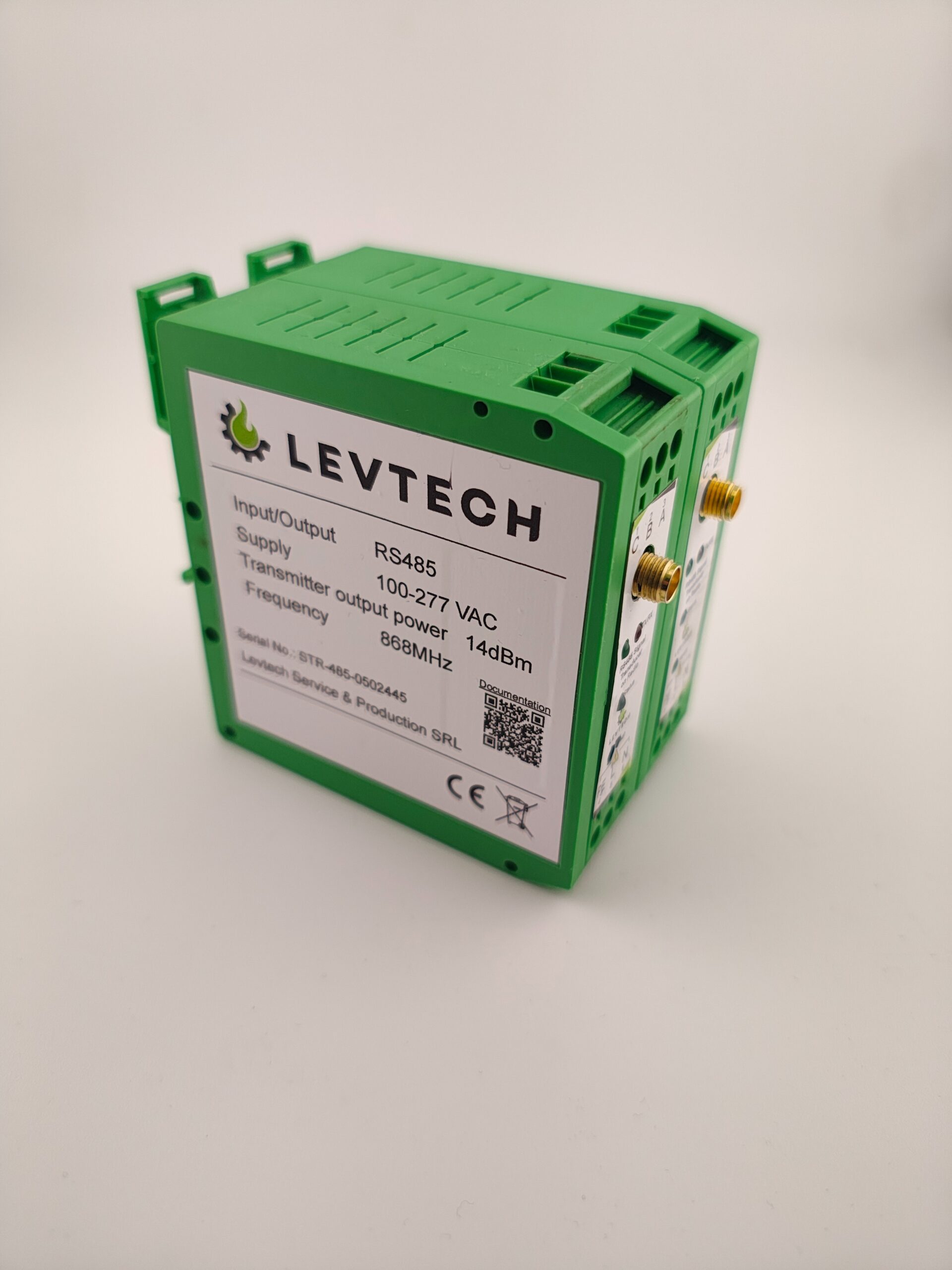
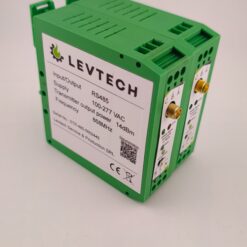
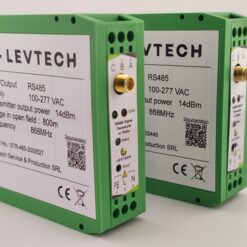
Each package includes a pre-paired transmitter and receiver, making installation fast and effortless.
With a transmission range of up to 800 meters in open environments, the system ensures stable, long-distance connectivity. Operating on the reliable 868 MHz frequency, the transducer delivers strong performance even in demanding conditions.
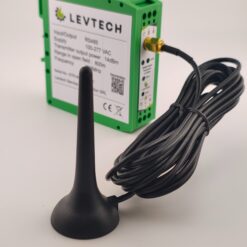
This Plug-and-Play solution is factory-paired and ready to use straight out of the box. Maximum range is achieved in line-of-sight conditions, when the two antennas can “see” each other without obstacles, and there is a clear, unobstructed visibility between the two antennas. For cases where this is not possible, we can provide a 10-meter extension cable that can be used to lead the antennas to the roof, to the side of the building, to a place where the two antennas can communicate clearly.
There are three versions of the product based on the transmission range:
100 meter – for residential use
400 meter – residential use (long distances) and light industrial use
800 meter – for industrial use
Delivery within 2-3 days across the EU and 7-10 days worldwide
*Delivery dates may change based on your quantity and delivery address.
All orders are delivered by DHL 
Enjoy free worldwide shipping on orders over 500EUR
Available in stock
Partners, resellers, distributors
BELGIUM ROMANIA ROMANIA



HUNGARY SLOVAKIA


How to test the communication between the two devices:
IMPORTANT TO NOTICE!
This Plug-and-Play solution is factory-paired and ready to use straight out of the box. Maximum range is achieved in line-of-sight conditions, when the two antennas can “see” each other without obstacles, and there is a clear, unobstructed visibility between the two antennas. For cases where this is not possible, we can provide a 10-meter extension cable that can be used to lead the antennas to the roof, to the side of the building, to a place where the two antennas can communicate clearly.
What does our RS485 Signal Transducer on Radio mean?
The LSP-STR-485 is a signal transducer with radio communication that can establish a connection between 2 devices communicating with RS485 signals. You need 2 of this product. One should be mounted on the transmitter side and the other on the receiver side. Once configured, our device will allow you to communicate wirelessly with the 2 RS485 devices using radio waves.
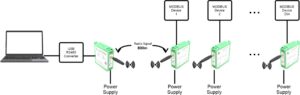
If you have multiple devices in your system, only 1 device at the processing unit is enough. That one device can handle 254 other devices.
Why do you need the RS485 Signal Transducer on radio?
This device is an excellent solution for places where cable connection is not possible or difficult. Or it would simply not be aesthetically pleasing.
A concrete example is the case when you need to connect a remote Modbus device outdoors. Whether you would install the wiring on a pole or underground, you would need special wiring, not to mention cable pulling or digging.
Wiring? Not a big deal!
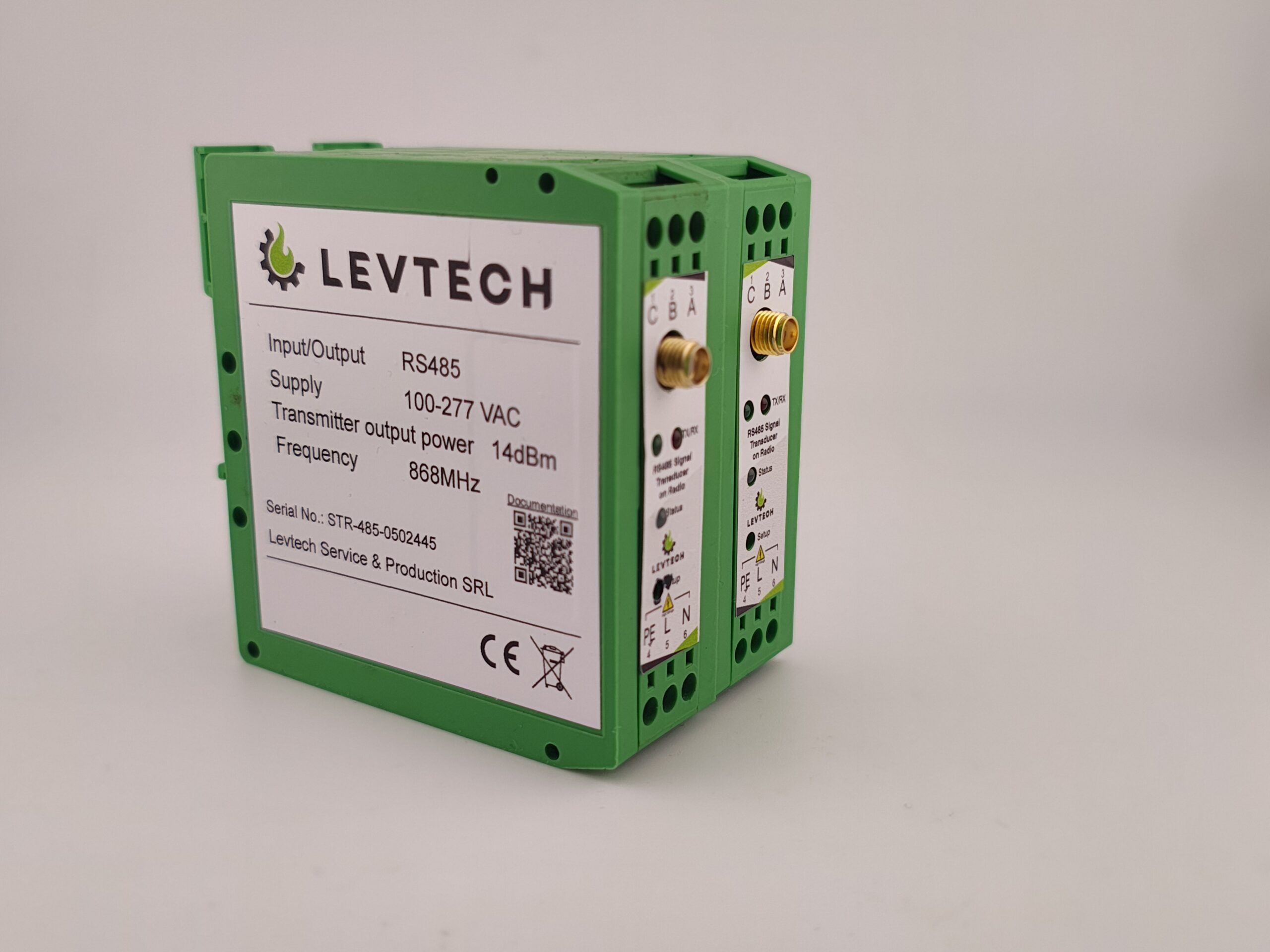
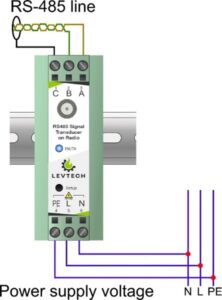
As the RS485 Signal Transducer uses 230VAC, you can easily mount in any electrical cabinet. Power is supplied via the bottom connector.
The RS485 signal wires (GND, A, B) are connected at the top. If communication fails, wires A and B can be interchanged. It is recommended to use twisted wire pairs for the communication lines between a Signal Transducer and a distance device.
It’s a universal one…
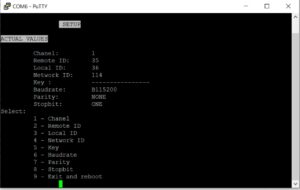
Since you can configure the Signal Transducer, you can almost any Modbus device connect to the processing unit. You can easily convert your existing network to a wireless one. Just enter the device menu, configure the baud rate, parity of the device address and you can say goodbye to your wires. You can do the configuration using a laptop and our RS485 to USB converter.
Programming like a pro
To program the device, you need a laptop and a USB-RS485 converter. The laptop must have the free PuTTy software installed on it.
(You can find USB-RS485 converters in our webshop, here: https://levtech.ro/product/usb-to-rs485-converter/)
If you don’t have the PuTTy software, you can download from here: https://www.putty.org/
You can find the programming steps in the user manual under the Downloads tab, or here:
https://levtech.ro/wp-content/uploads/2024/06/Signal-Transducer-Manual.pdf
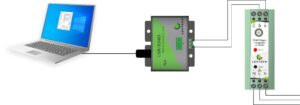
Once you have connected the device as shown in the diagram above, follow the instructions to the programming menu, where you can adjust the settings as required.
Doubt about the distance transmitting distance?
Don’t worry about the distance, because you can choose the antenna that suits your needs, saving money by combining with a cheaper antenna or increasing the distance using a professional antenna.
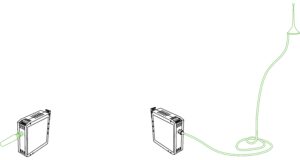
| Dimensions | 80 × 85 × 25 mm |
|---|---|
| Supply Voltage | 100-270 VAC |
| Baudrates | 9600-115200 |
| Parity | None, Even, Odd |
| Stopbit | One, Two |
| Radio frequency | 868 MHz |
| Light signal | Red / Blue LED |
| Antenna connector | SMA |
| Transmission range | 100 meter, 400 meter, 800 meter |
17 reviews for RS485 wireless signal transmitter (pair) 100/400/800 m
Only logged in customers who have purchased this product may leave a review.
DOCUMENTATION
RECENT REVIEWS
- Compact reliable and easy to integrate into our existing RS485 network
- Great RS485 transmitter for industrial setups. Signal stays stable over longer cable runs and we had no dropouts so far
- Produit fiable et bien conçu. Aucun problème après plusieurs semaines d’utilisation continue. Excellent rapport qualité/prix.
- Perfekt für industrielle Anwendungen. Keine Aussetzer, saubere Kommunikation und schnelle Inbetriebnahme.
- L-am folosit într-un proiect de monitorizare și a mers perfect din prima
- Stable communication, good build quality, and great value for the price.
- Régóta kerestünk ilyen kompakt jeladót, ami folyamatos üzemben is stabil. Jó ár/érték arány, gyors szállítás, korrekt termék.
- Très bon transmetteur RS485, communication stable et précise même en environnement industriel. Installation rapide et fonctionnement immédiat.
- Sehr zuverlässiger RS485-Signaltransmitter. Die Verbindung ist stabil und die Verarbeitung wirkt hochwertig. Klare Empfehlung.
- Transmitator foarte bun comunicație stabila pe RS485 si fara probleme in funcționare continuaSe monteaza usor si pare bine construit
- Solid RS485 transmitter with clean signal output even in noisy environments Installation was straightforward and it worked immediately
- Nagyon stabilan működik, a jelátvitel RS485-ön zajmentes, ipari környezetben is megbízható. A bekötés egyszerű volt, azonnal üzembe helyeztük
- En el centro histórico no nos dieron permiso para romper la calle y meter los cables, así que tuvimos que buscar alguna solución inalámbrica. Así llegamos a la página de Levtech y a este producto. Solo puedo decir que es una pasada: desde entonces ya lo usamos en varios proyectos y nos ha ahorrado un montón de tiempo y dinero.
- In an urban environment, the distance between the two devices was two hundred meters. I had no other solution, since digging or wiring is not possible here, so I tried this product, and it works very well, I can only recommend it. They recommended that I place the antennas so to see each other, because in this way the communication is secure and stable. We had to use an extension cord on one side, we ran the antenna out to the side of the house, and it works perfectly.
- I also bought an extension cable because there was a large brick building between the smart meter and the inverter, and I used the cable to run the antennas to the attic and roof so that the signal transmission from the two antennas would be fine. It works, I'm satisfied.
- What a simple solution, no need to configure anything, just start it and the connection is working. I saved not only money but also time, thanks Levtech
- We have been looking for this solution the wireless one for a long time, tested a few but did not work properly. Very satisfied with this Levtech product, in fact, we have become regular buyers. I wrote this review just in the hope that I will get a discount next time :)
Related products

200,00 € excluding VAT
New


Levtech products
99,00 € excluding VAT
Sale!
Conductivity transmitters
(1)
Original price was: 390,00 €.349,00 €Current price is: 349,00 €. excluding VAT
Sale!
New
Power supply
Original price was: 55,00 €.25,00 €Current price is: 25,00 €. excluding VAT
Conductivity transmitters
259,00 € - 305,00 € excluding VAT
Sale!
New
Power supply
Original price was: 70,00 €.30,00 €Current price is: 30,00 €. excluding VAT


Industrial Communication
65,00 € - 73,00 € excluding VAT
Levtech products
65,00 € - 70,00 € excluding VAT
Magis Solar –
We have been looking for this solution the wireless one for a long time, tested a few but did not work properly. Very satisfied with this Levtech product, in fact, we have become regular buyers. I wrote this review just in the hope that I will get a discount next time 🙂
Brant Curly –
What a simple solution, no need to configure anything, just start it and the connection is working. I saved not only money but also time, thanks Levtech
Peter Grean –
I also bought an extension cable because there was a large brick building between the smart meter and the inverter, and I used the cable to run the antennas to the attic and roof so that the signal transmission from the two antennas would be fine. It works, I’m satisfied.
Richard Cantu –
In an urban environment, the distance between the two devices was two hundred meters. I had no other solution, since digging or wiring is not possible here, so I tried this product, and it works very well, I can only recommend it. They recommended that I place the antennas so to see each other, because in this way the communication is secure and stable. We had to use an extension cord on one side, we ran the antenna out to the side of the house, and it works perfectly.
Alfonso B –
En el centro histórico no nos dieron permiso para romper la calle y meter los cables, así que tuvimos que buscar alguna solución inalámbrica. Así llegamos a la página de Levtech y a este producto. Solo puedo decir que es una pasada: desde entonces ya lo usamos en varios proyectos y nos ha ahorrado un montón de tiempo y dinero.
Kovács András – EnergoControl Kft. –
Nagyon stabilan működik, a jelátvitel RS485-ön zajmentes, ipari környezetben is megbízható. A bekötés egyszerű volt, azonnal üzembe helyeztük
M. Reynolds, Industrial Automation Works Ltd. –
Solid RS485 transmitter with clean signal output even in noisy environments Installation was straightforward and it worked immediately
Mihai Ionescu,, Automatizări Industriale Pro SRL –
Transmitator foarte bun comunicație stabila pe RS485 si fara probleme in funcționare continuaSe monteaza usor si pare bine construit
Thomas Berger – Maschinenbau Technik GmbH –
Sehr zuverlässiger RS485-Signaltransmitter. Die Verbindung ist stabil und die Verarbeitung wirkt hochwertig. Klare Empfehlung.
Jean Dupont – IndustrieTech Solutions –
Très bon transmetteur RS485, communication stable et précise même en environnement industriel. Installation rapide et fonctionnement immédiat.
Tóth Gábor – SmartPlant Solutions Kft. –
Régóta kerestünk ilyen kompakt jeladót, ami folyamatos üzemben is stabil. Jó ár/érték arány, gyors szállítás, korrekt termék.
Daniel Cooper – GreenTech Controls –
Stable communication, good build quality, and great value for the price.
Andrei Popa – TechFactory Systems SRL –
L-am folosit într-un proiect de monitorizare și a mers perfect din prima
Stefan Müller – Automation Service Nord –
Perfekt für industrielle Anwendungen. Keine Aussetzer, saubere Kommunikation und schnelle Inbetriebnahme.
Marc Lefèvre – Automatisation Pro SARL –
Produit fiable et bien conçu. Aucun problème après plusieurs semaines d’utilisation continue. Excellent rapport qualité/prix.
Oliver Bennett – Axis Automation Ltd. –
Great RS485 transmitter for industrial setups. Signal stays stable over longer cable runs and we had no dropouts so far
Sarah Mitchell – ControlPoint Engineering –
Compact reliable and easy to integrate into our existing RS485 network